
Shopify Shoppable Video Section – Complete Installation Guide
The Shoppable Video section allows you to display videos with embedded products that customers can purchase directly. This interactive feature combines video content with…
Read tutorial →
The Shoppable Video section allows you to display videos with embedded products that customers can purchase directly. This interactive feature combines video content with…
Read tutorial →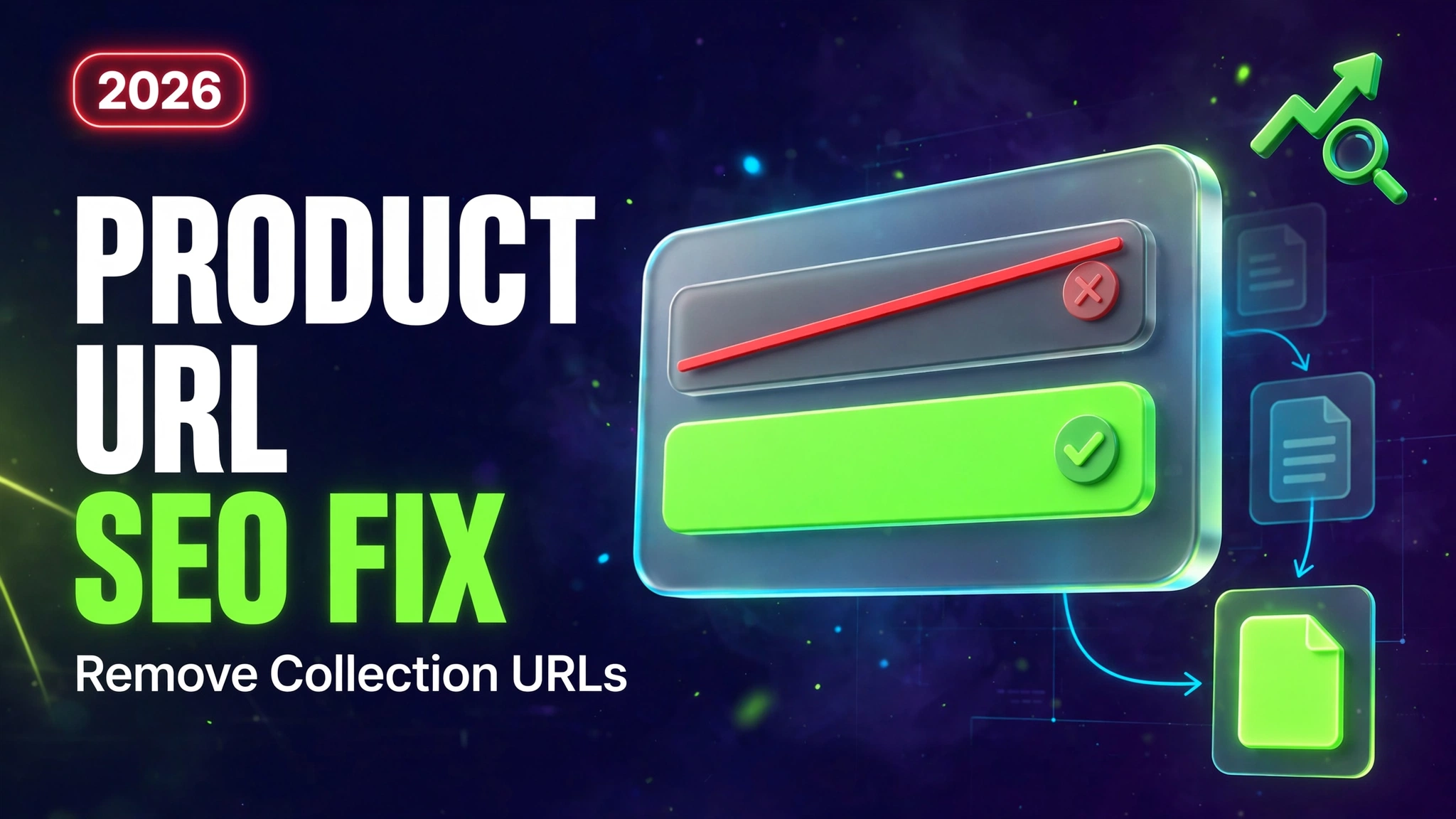
If your Shopify product URLs look like this:/collections/collection-name/products/product-name and you want clean, SEO-friendly URLs like this:/products/product-name then this complete tutorial will help…
Read tutorial →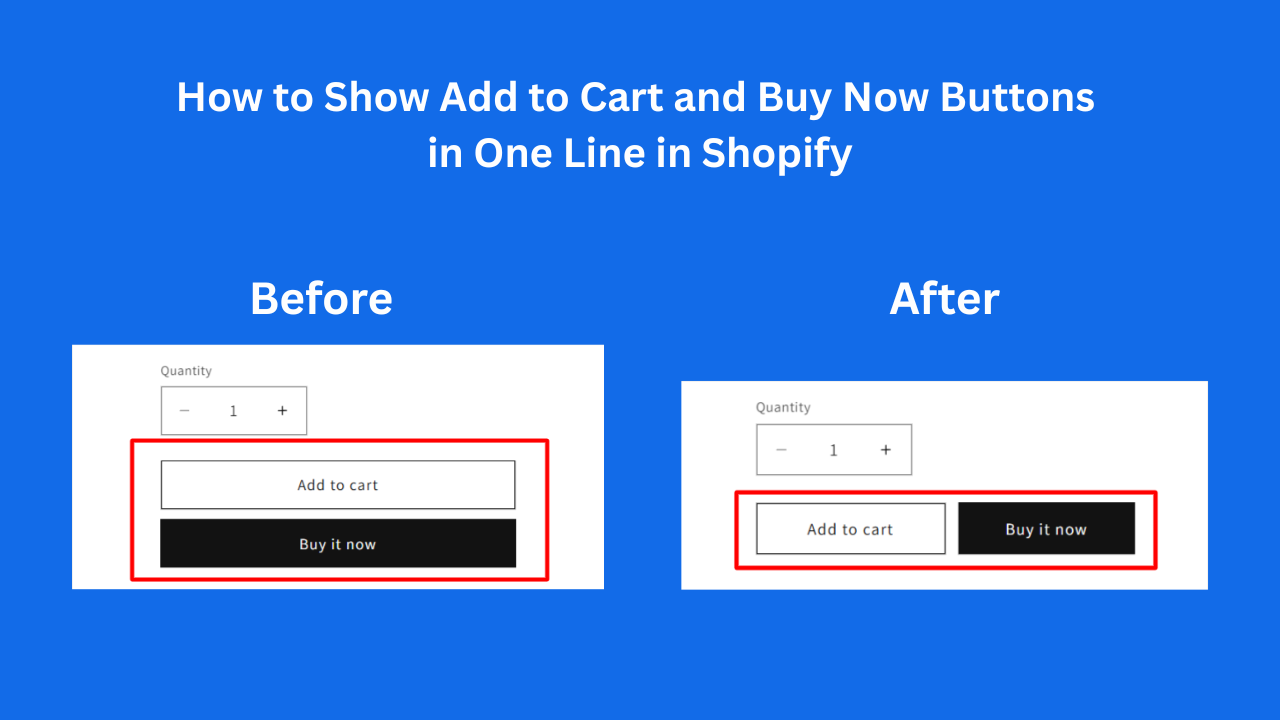
Introduction By default, many Shopify themes display the Add to Cart and Buy Now buttons in different sizes or stacked vertically. This…
Read tutorial →
Introduction Want to automatically show a “NEW” badge on products that are less than 30 days old in your Shopify store? This…
Read tutorial →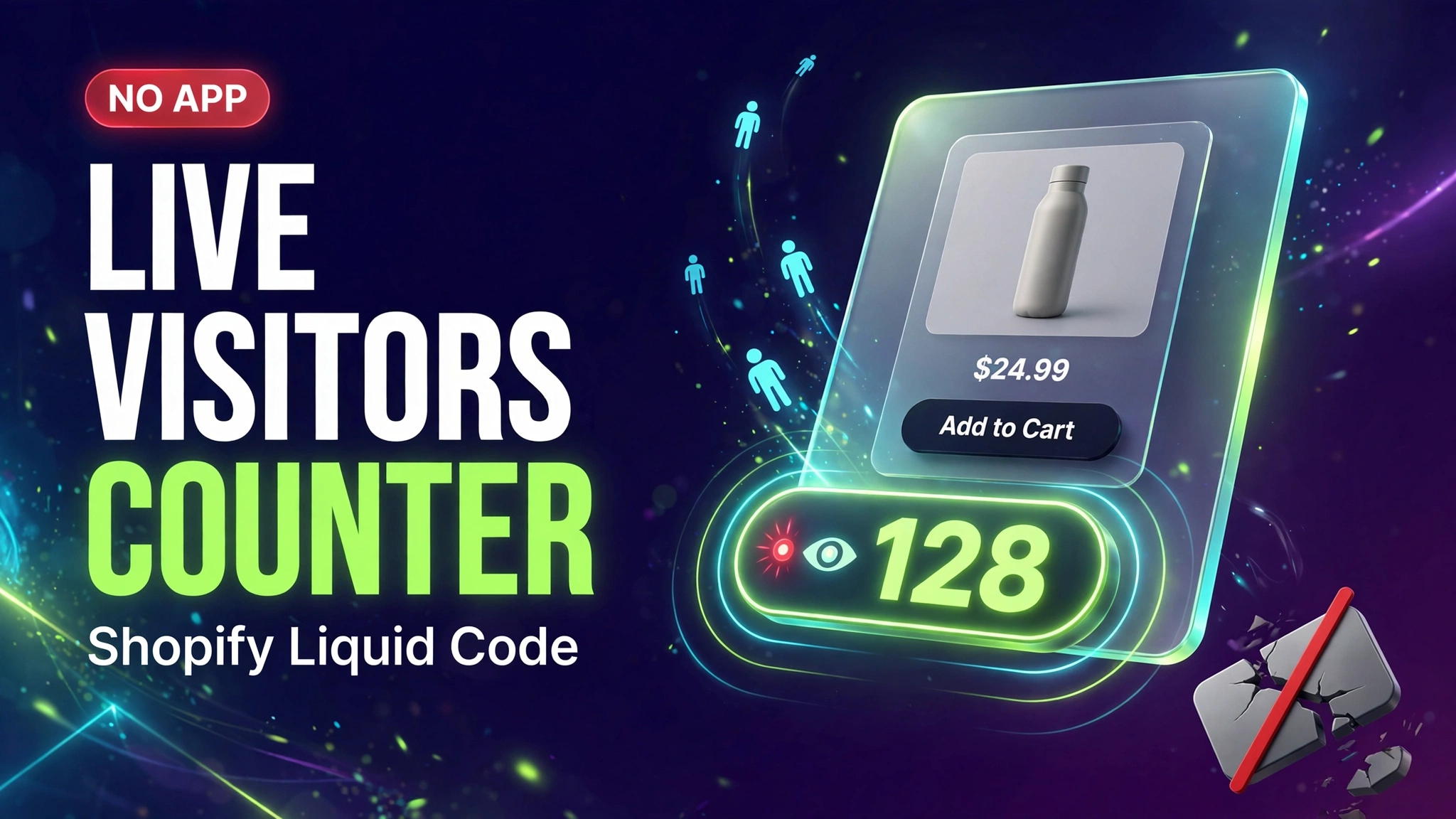
Want to create urgency and boost conversions on your Shopify store? A fake live visitors counter tricks customers into thinking your product is in high demand, encouraging faster…
Read tutorial →
This JavaScript code creates a smart cart restriction system for Shopify stores that enforces a minimum order value ($150) when certain specified…
Read tutorial →
Here’s how to modify your Shopify theme to change the “Add to Cart” button to “Pre-Order” for specific products: Step 1: Modify…
Read tutorial →
This solution helps you create password-protected collections in your Shopify store. When customers try to access these collections, they’ll see a popup…
Read tutorial →
Here’s a complete solution for a responsive 3-column slider section where each column has its own independent auto-sliding carousel. This includes full…
Read tutorial →
Showcase your product’s transformative results with this engaging before-and-after slider. Customers can drag the slider handle to compare two images, creating an interactive…
Read tutorial →